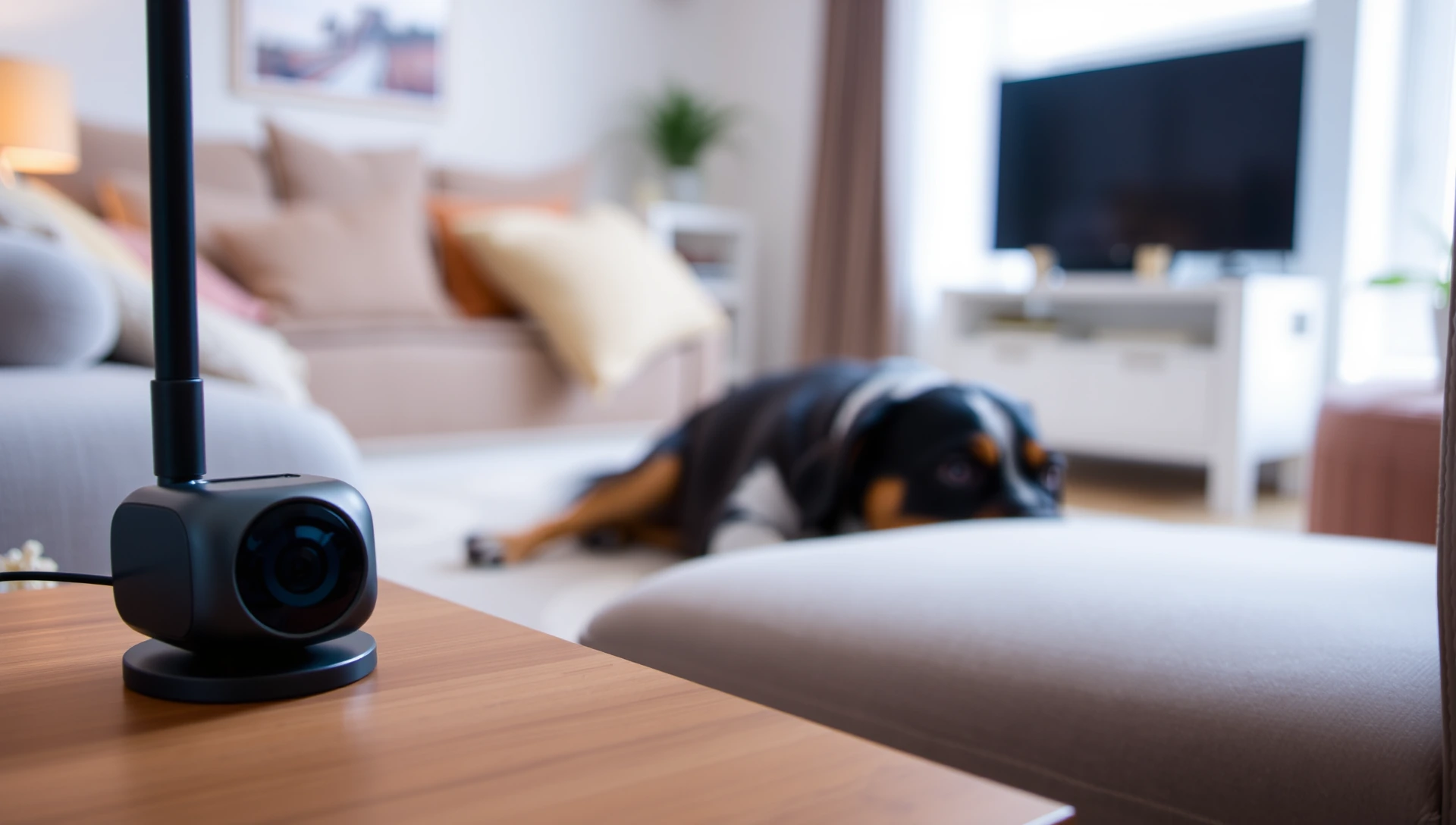
The best pet camera depends on your pet and budget. Treat-tossing models like Furbo suit dogs, budget cams like Wyze cover the basics, and Eufy avoids monthly fees with local storage. Always check whether recording needs a subscription, and remember a camera watches but cannot feed or walk your pet.
A pet camera is one of the cheapest ways to feel less guilty about leaving your dog or cat at home. For a one-time cost (sometimes plus a monthly fee), you can check in from your phone, talk to your pet, and on some models toss a treat or flick a laser. But the category is crowded, the marketing is loud, and the real cost is often hidden in a subscription nobody mentions until checkout. This guide breaks down the types, the features that actually matter for animals (not just burglars), and the honest limits of what a camera can do while you are away.
Gearing up for your pet? Compare our pick for the Best Dog Treat Pouch.
Pet camera vs generic security camera: what is the difference?
Most "pet cameras" are just indoor security cameras with pet-friendly marketing. A basic indoor Wi-Fi camera from a brand like Wyze, Ring, or Blink gives you live video, two-way audio, and motion alerts. That is genuinely enough for a lot of people who only want to confirm their pet is calm and safe.
Pet-specific cameras add features built around animal behavior: treat-tossing to reward calm behavior, barking detection that pings your phone, laser play for cats, and "highlight" clips that stitch together the moments your pet was active. Furbo and Petcube are the best-known pet-first brands. Whether the extra hardware is worth it depends entirely on what you want to do, watch only, or interact.
Gearing up for your pet? Compare our pick for the Best Dog Grooming Clippers.
Types of pet camera
- Basic indoor Wi-Fi cameras (budget general cams): Wyze, Ring, and Blink models that stream video and send motion or sound alerts. Cheapest entry point, no pet-specific tricks. Good for "is my pet okay?" reassurance.
- Treat-tossing pet cameras: Furbo and Petcube Bites are the headline examples. They fling a treat on command, which is fun and can reward calm behavior, though an anxious dog will not be soothed by snacks alone.
- Interactive play cameras: some Petcube models include a built-in laser you can control from your phone, which tends to appeal more to cat owners than dog owners.
- Barking and behavior alert cameras: pet-first cameras often detect barking, crying, or unusual activity and push a notification, useful for spotting separation distress early.
- Local-storage cameras: Eufy is the brand most associated with on-device or microSD recording and a "no monthly fee" pitch, so you own your footage without a cloud plan.
Gearing up for your pet? Compare our pick for the Best Dog Paw Balm.
Key features that matter for pets
Spec sheets are long, but only a handful of features change the day-to-day experience of watching a pet:
- Night vision: dogs and cats are most likely to nap (or pace) in a dim room, so infrared night vision is close to essential, not optional.
- Two-way audio: hearing and speaking to your pet is the feature people use most. Some dogs find a disembodied voice reassuring, others find it confusing, so test it before relying on it.
- Motion and sound alerts: these tell you when your pet got up, barked, or knocked something over. On many cameras, alert history is exactly what gets locked behind a subscription.
- Treat dispensing: a genuine differentiator for engaged dog owners, less relevant for cats and not a substitute for a real meal.
- Resolution (1080p or 2K): 1080p is fine for a single room. 2K helps if you want to zoom in on a large space, but it can use more bandwidth.
- Wide field of view or pan and tilt: a wide-angle or rotating lens helps you find a pet that wanders out of frame, instead of staring at an empty couch.
The subscription question (read this before you buy)
This is the part most roundups skip. Many pet cameras sell cheaply up front, then gate the genuinely useful features behind a monthly cloud plan. Live viewing is usually free, but recorded clips, video history, and sometimes even motion or sound alerts can require a subscription.
As examples of how the plans are typically structured (confirm current pricing on each brand's site before buying, because these change often): Furbo has offered a subscription, sometimes branded around cloud storage and smart alerts, that has been reported in the rough range of about $6 to $10 per month depending on billing, with some models leaning on it for full functionality. Petcube's "Petcube Care" plan has similarly been reported around $5 or so per month or a discounted annual rate, and on some models motion and sound alerts depend on it. Reviewers note that Eufy's pitch is built around free local storage and no monthly fee, which is why it keeps appearing on "no subscription" lists. These figures are illustrative, not quotes; always check the current price before you commit.
The practical takeaway: add the subscription to the sticker price. A $40 budget camera that needs a $6 monthly plan costs more over two years than a pricier camera with free local storage. If you only ever watch live, you may never need a plan at all, so decide how you will actually use it first.
Wi-Fi reliability and setup
A pet camera is only as good as your home Wi-Fi. Most of these cameras connect to a 2.4 GHz network, which has better range than 5 GHz but can get congested. If the camera sits far from your router, in a basement or a back bedroom, expect dropped streams and laggy alerts no matter how good the hardware is. Before you buy, check that your placement spot has a solid signal. A camera that keeps disconnecting is worse than no camera, because you will get false "lost connection" alerts that spike your worry for no reason.
Also think about power. Most pet cameras are plug-in, not battery, so they need an outlet within cord reach of a stable surface where your pet spends time.
Representative cameras by type and use case
The table below groups well-known cameras by what they are best at, with a typical price band and whether a subscription is commonly involved. Treat these as starting points by category, not as ranked verdicts or live prices, and confirm current cost and features on the retailer or brand page before buying.
| Use case | Representative brand or type | Typical price band | Subscription typical? |
|---|---|---|---|
| Dogs (treat-tossing, bark alerts) | Furbo | Mid (roughly $100-$210) | Often, for alerts and history |
| Treat-tossing, lower cost | Petcube Bites | Mid | Sometimes, for recording |
| Cats (interactive laser play) | Petcube with laser | Low to mid | Sometimes, for recording |
| Budget reassurance (watch only) | Wyze, Blink | Low (often around $35-$50) | Optional cloud history |
| Budget with brand support | Ring Indoor Cam | Low to mid (often $60-$100) | Optional, for recorded clips |
| No-subscription, own your footage | Eufy (local storage) | Mid | No, local storage emphasized |
| Barking and distress alerts | Furbo, Petcube | Mid | Often, for alert features |
What a camera cannot do
Be honest with yourself about the limits before you lean on a camera as your plan for a long day or a trip. A camera lets you watch and talk, and at best toss a treat. It cannot fill a water bowl, serve a real meal, scoop a litter box, or let a dog outside to relieve itself. For absences longer than a normal workday, a camera complements, but does not replace, a sitter or walker. Pairing a camera with a scheduled feeder handles food, but a dog that needs a bathroom break still needs a human.
If you travel, plan the care first and add the camera for peace of mind. Our guides on what pet sitting costs and drop-in visits versus overnight care can help you decide how much human coverage your pet actually needs. Cats tolerate solo time better than dogs, but even they have limits, as our look at how long you can leave a cat alone explains.
When a camera reveals a bigger problem
One underrated benefit of a pet camera is diagnostic. The footage often shows owners that a dog who "seems fine" actually paces, whines, drools, or destroys things the moment the door closes. Those are classic signs of separation anxiety, which the American Kennel Club describes as genuine distress, not misbehavior. The ASPCA notes that true separation anxiety usually needs a structured behavior plan, not just a treat tossed through an app.
So treat the camera as an early-warning system. If it reveals real distress, the next step is a vet or a certified behaviorist, plus more in-person care during absences, not a fancier camera. Independent reviewers at outlets like CNN Underscored and Reviewed test the hardware itself, but no camera fixes anxiety on its own.
How to choose, quickly
- Just want reassurance? A budget Wyze, Blink, or Ring indoor cam is plenty.
- Have an interactive dog? A treat-tossing camera like Furbo earns its price if you will use it daily.
- Hate monthly fees? Prioritize a local-storage camera such as Eufy and skip the cloud plan.
- Worried about barking or anxiety? Pick a model with reliable sound and bark alerts, then act on what you see.
- Have a cat? Two-way audio and a wide view matter more than treat-tossing; a laser model is a nice extra.
Whatever you choose, add the subscription cost to the price tag, confirm the current price on the brand or retailer page, and remember the camera is a window, not a caregiver. For pets that go places with you, a camera also pairs naturally with a GPS tracker so you can see them at home and locate them on the move.
Do pet cameras require a monthly subscription?
What is the best pet camera for dogs?
What is the best pet camera with no subscription?
Can I use a regular security camera for my pet?
Does a pet camera help with separation anxiety?
Can a pet camera feed my dog or let it outside?
Do pet cameras need good Wi-Fi?
How much does a good pet camera cost?
Sources & references
- cnn.com https://www.cnn.com/cnn-underscored/reviews/best-pet-cameras
- reviewed.com https://www.reviewed.com/tech/best-right-now/the-best-smart-pet-cameras
- furbo.com https://furbo.com/
- petcube.com https://petcube.com/
- akc.org https://www.akc.org/expert-advice/training/separation-anxiety-dogs/
- aspca.org https://www.aspca.org/pet-care/dog-care/common-dog-behavior-issues/separation-anxiety